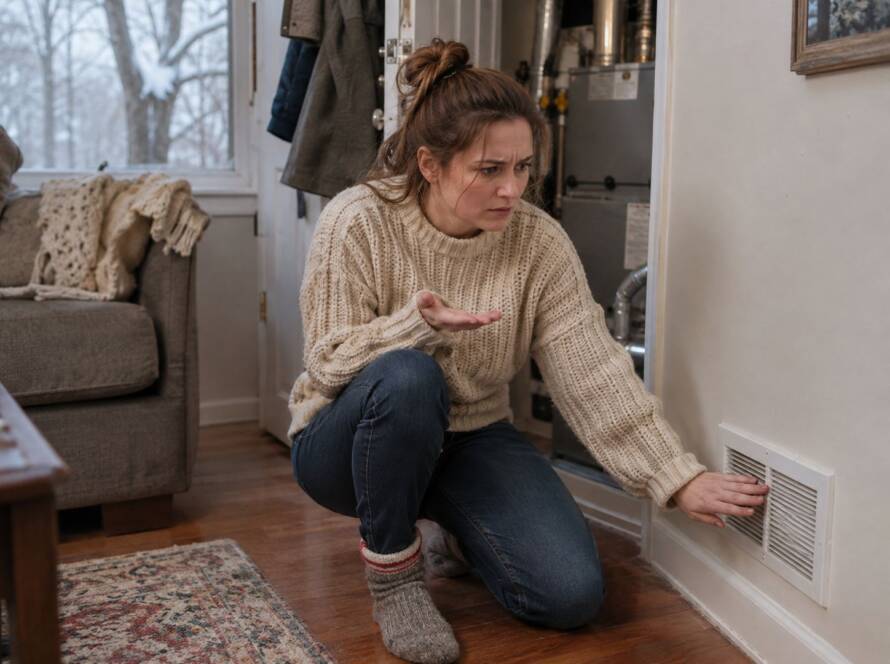


A thermostat is a small device that controls a big system, so when it stops working, the whole house feels it. The screen goes blank, the heat will not turn on, the AC does not respond, or the temperature on the wall does not match what the room feels like. In many cases the fix takes a few minutes and costs a battery. In others, the problem is wiring or a failed unit that a technician should handle. This guide walks through the checks in order, explains what each symptom usually means and shows when it is time to replace the thermostat.
Quick Take
Start with the display and the batteries, then check the mode, the setpoint and the HVAC breaker. Placement matters: a thermostat in sunlight, near a draft or beside a heat source reads the wrong temperature. Turn the power off before touching any wiring, and call a technician if the thermostat still does not work after the basic checks.
Check the Display and Replace the Batteries
If the screen is blank, dim or flickering, the cause is often weak batteries. Many thermostats use two AA or AAA batteries, and some are on the back of the body, so you may need to pull the unit off its base. Replace both batteries at the same time and watch whether the display wakes up.
A thermostat that is wired to the system for power may still use batteries as a backup, and low batteries can cause odd behavior even when the unit seems powered. If new batteries do not bring it back, move on to the breaker and the system itself.
Confirm the Mode, the Setpoint and the Fan
Before assuming the thermostat has failed, check what you asked it to do. Set the mode to Heat or Cool, then move the setpoint a few degrees past the room temperature to give the system a reason to start. If the thermostat says Heat but the setpoint is below the room temperature, nothing will happen, and the same is true for Cool.
This explains many cases of a thermostat not turning on heat or a thermostat not turning on AC. On a smart thermostat, also check that a schedule or an away mode is not overriding your setting.
Check the Breaker and the Furnace Switch
A thermostat gets its power from the HVAC system. If the breaker for the furnace or air handler has tripped, or the switch near the furnace has been turned off, the thermostat can go blank and the system will not respond. Look at the breaker panel and reset a tripped HVAC breaker once. If it trips again, stop and call a technician, because repeated trips can point to a short in the system or in the thermostat wiring.
Some furnaces also have a door switch that cuts power when the panel is not seated properly. A quick look to make sure the front panel is closed can solve a no-power problem.
Look at Where the Thermostat Is Mounted
A thermostat that works but reads the wrong temperature is often a placement problem. It should sit about 5 feet off the floor, on an interior wall, away from direct sunlight, drafts, doors, kitchens, corners and heat sources such as lamps or a TV. A thermostat in a sunny spot may tell the system the house is hot when the rest of the rooms are comfortable, and one near a drafty door can do the opposite.
If the temperature on the display is off by several degrees compared with a separate thermometer in the same room, placement or dust inside the unit is the likely cause.
Clean the Inside of the Thermostat
Dust and debris can build up on the internal parts of a thermostat and interfere with its readings. Turn the power off at the breaker, remove the cover and gently clean inside with a soft brush or a light puff of air. Do not use liquid cleaners, and do not touch the electronic parts with your fingers. On older mechanical models, check that the unit is level, because a tilted thermostat reads incorrectly.
Wiring Problems Need Care
Behind the thermostat are low-voltage wires connected to terminals. A loose wire, a corroded connection or a wire that has pulled out of its terminal can cut communication with the system. Turn off power at the breaker before you remove the thermostat from the wall, and take a photo of the wire positions before touching anything.
If you are not comfortable working with wiring, or if the system does not respond after you have checked the basics, call a technician. Testing the wires, finding a break in the wall and diagnosing a bad control board are not jobs to guess at.
Smart Thermostat Issues
Smart and programmable thermostats add a few more things that can go wrong. A smart thermostat needs steady power, and many models need a common wire, often called a C-wire, to run its screen and Wi-Fi. When the wire is missing, the thermostat can lose power, reboot or drop its connection. A technician can add a C-wire or a power adapter.
Wi-Fi problems are another common cause. If the thermostat shows as offline in the app, restart your router and the thermostat, and check that a software update did not reset your schedule. If the unit still behaves erratically, a technician can check the wiring and the system together.
When to Repair and When to Replace a Thermostat
Replacement is worth considering if the thermostat is more than 10 to 15 years old, the display is failing, it keeps losing its settings or it no longer matches the system after an equipment change. A new programmable or smart model can also help you control temperatures by schedule and reduce wasted heating and cooling.
Before replacing it, make sure the thermostat is really the problem. A system that does not start can be caused by the furnace, the air conditioner or the control board rather than the wall unit. Our thermostats and smart controls service covers choosing, installing and setting up a thermostat that matches your system.
When the Problem Is the System, Not the Thermostat
If the thermostat turns on and displays correctly but the system still does not respond, the issue is likely with the equipment. For an air conditioner that runs without cooling, see our AC repair page, and for a furnace that will not start or keeps shutting off, our heating repair team can diagnose it and give you one price before work starts.
Frequently Asked Questions
Why is my thermostat not working?
The most common reasons are dead batteries, the wrong mode or setpoint, a tripped breaker, dirty internal parts or a wiring problem. Check the batteries and the settings first.
Why is my thermostat screen blank?
A blank screen usually means weak batteries or no power from the system. Replace the batteries, then check the HVAC breaker and the switch near the furnace.
Why won’t my thermostat turn on the heat or the AC?
Check that the mode is set to Heat or Cool and that the setpoint is on the right side of the room temperature. If those are correct, the cause could be the breaker, a wiring issue or the equipment itself.
Can I replace a thermostat myself?
Many homeowners can, but you must turn the power off first and label the wires. If your system has unusual wiring, a missing C-wire or a heat pump, a technician should handle it.
How long does a thermostat last?
Most last 10 to 15 years, though a failing display, inaccurate readings or lost settings can mean it is time sooner.
Ready to Get Started?
A thermostat problem should not leave your home uncomfortable. Contact Us at Reliable Heating & Air for a clear diagnosis and one honest price.